One desk or TV
A direct Ethernet lead may be enough. Both ends need a suitable Ethernet port.
Compare indoor leads →MAKE USE OF THE CABLE ROUTE
Connect a fixed device, add useful ports, or bring Wi-Fi to a room. Choose the job before the box.
Plan my Ethernet ports →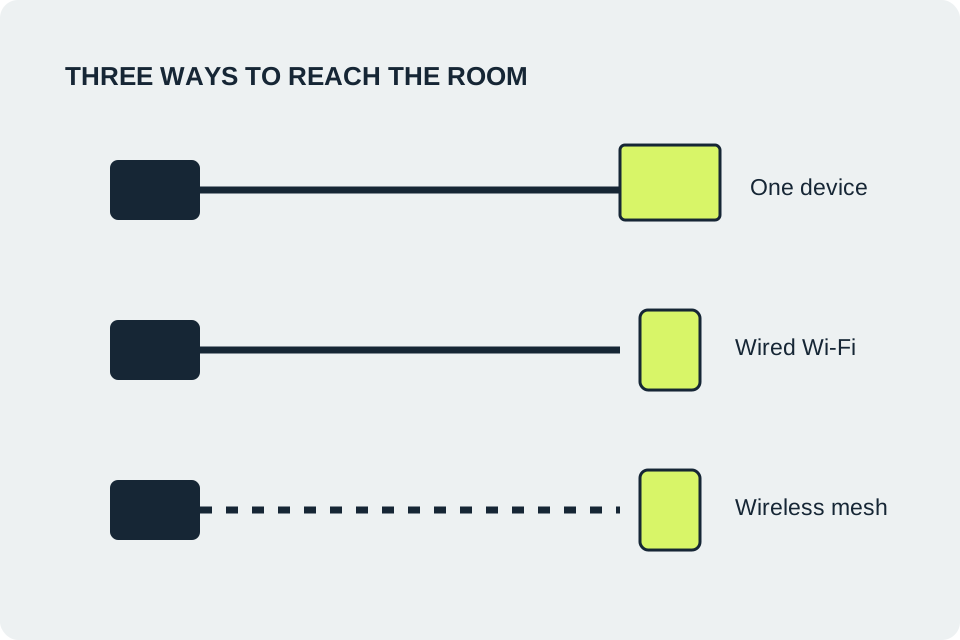
A direct Ethernet lead may be enough. Both ends need a suitable Ethernet port.
Compare indoor leads →A switch adds ports. Reserve one for the router connection.
Compare small switches →An access point uses the cable to serve wireless devices.
Check access-point requirements →EXTRA ETHERNET PORTS
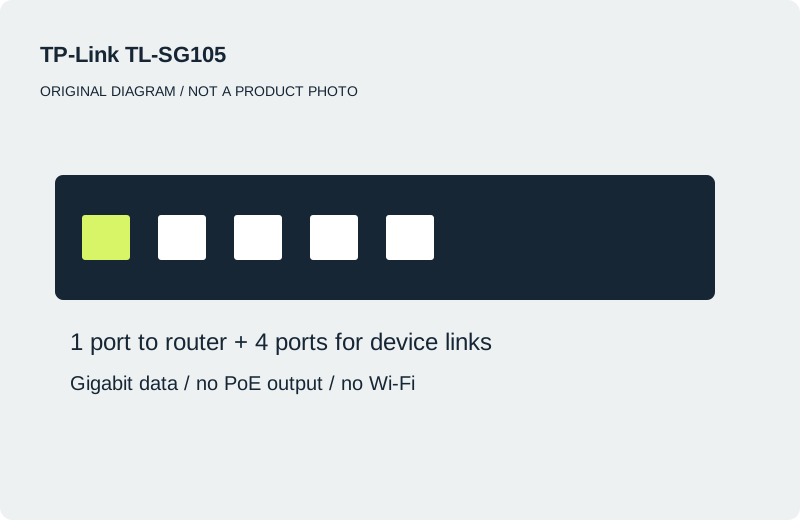
After one router uplink, a five-port switch has four ports left; an eight-port model has seven. These plain switches do not supply PoE power or create Wi-Fi.
Five-port Gigabit switch
A compact option for up to four device links after one port connects to your router.
The plain TL-SG105 does not supply PoE or create Wi-Fi. Confirm UK power supply; it does not increase broadband speed.
Manufacturer details ↗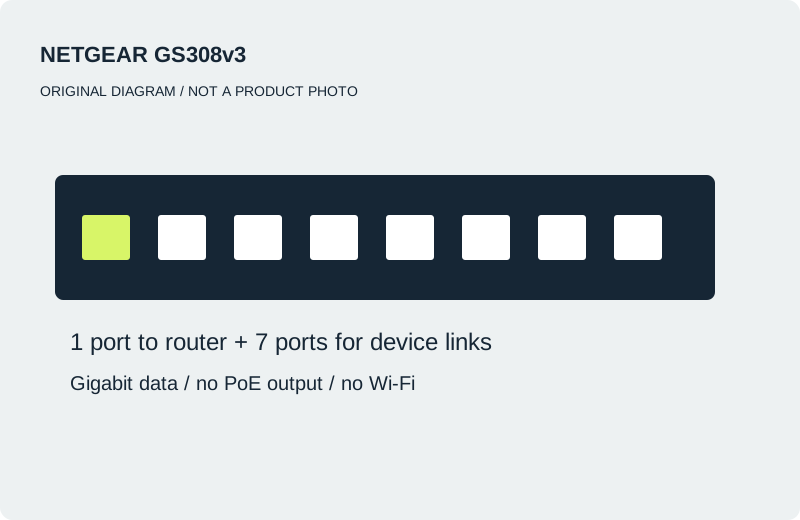
Eight-port Gigabit switch
A larger port budget: up to seven device links after the router connection.
Not a GS308P or PoE model. Adds wired sockets, not room Wi-Fi. Check exact revision and UK power adapter.
Manufacturer details ↗DIRECT INDOOR CONNECTIONS
These are length options in one Cat.6 family, not competing performance winners. Allow slack and a safe route.
Five-metre indoor Ethernet lead
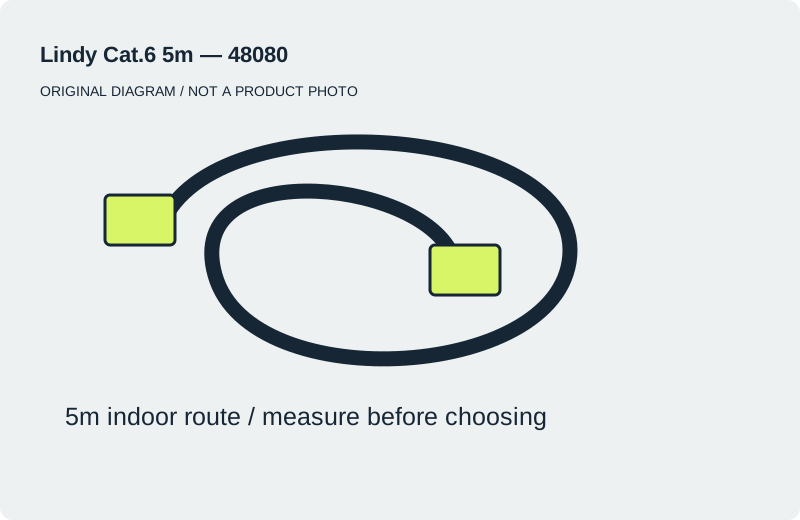
A ready-made desk or TV connection within a measured five-metre indoor route.
Measure the route with slack. Not an outdoor or buried-cable recommendation; a lead does not add Wi-Fi.
Manufacturer details ↗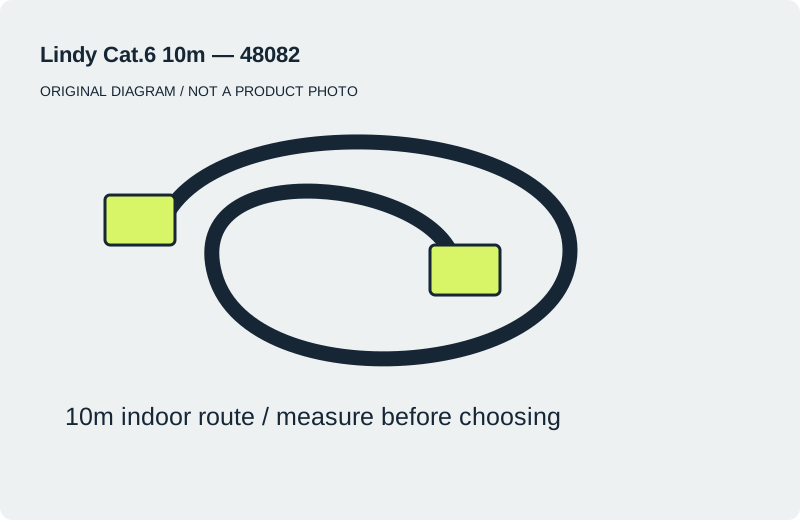
Ten-metre indoor Ethernet lead
An indoor route longer than five metres where a ten-metre lead leaves suitable slack.
Longer is not faster. Avoid trip hazards and crushed door routes; outdoor or fixed cabling needs a suitable specification.
Manufacturer details ↗ROOM WI-FI
Both need Ethernet. EAP610 V3 has documented support through 29 June 2029; UniFi U6+ remains a research option while its UK support period is checked. No new paid links are active.
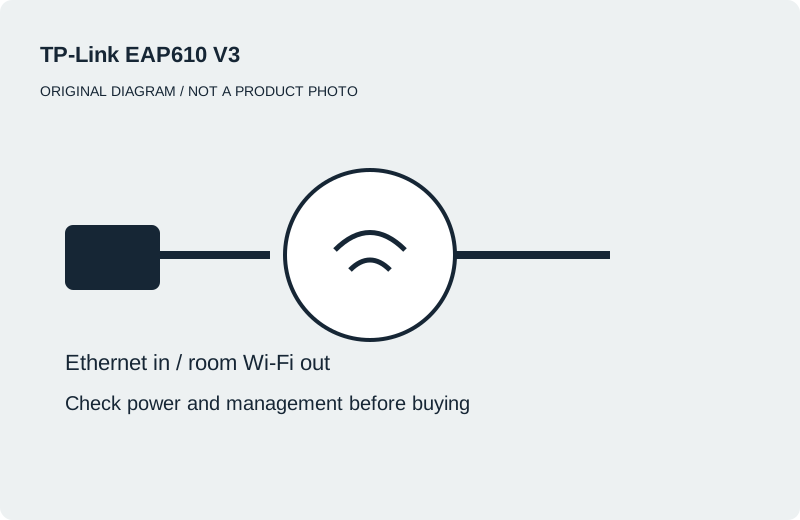
Wired Wi-Fi access point
Investigate for room Wi-Fi where Ethernet reaches a suitable mounting point.
Not a router or Deco node. Confirm V3, UK power supply and management needs; some coordinated features require a controller.
Check the complete setup →Manufacturer details ↗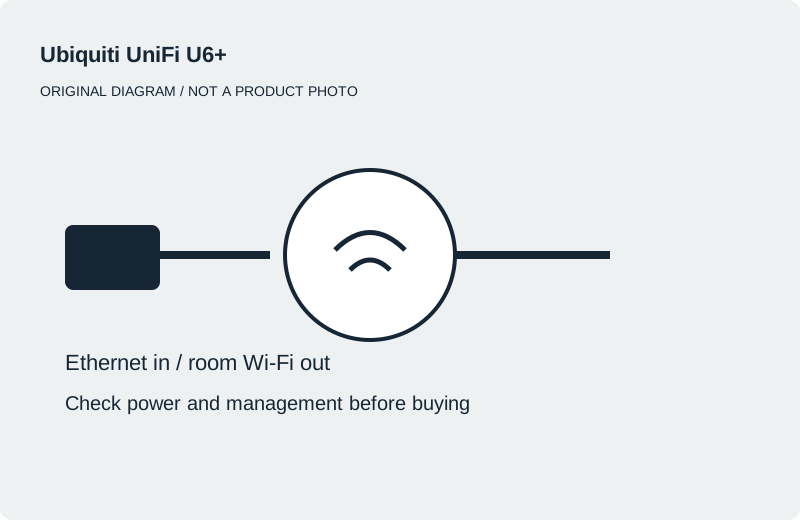
PoE-powered wired Wi-Fi · Research only
Investigate when Ethernet and compatible PoE power are available and you are comfortable with UniFi setup.
A plain switch cannot power it. Standalone mobile-app management has feature limitations. Confirm support and exact UK package.
Manufacturer details ↗UniFi standalone mode uses its mobile app and lacks some centrally managed features. Check the manufacturer’s limitations.
Source-based selection · Checked 17 October 2026 · No hands-on testing or live prices. Manufacturer links here earn no commission. Diagrams are original, not product photographs. Indoor leads are not a specification for outdoor or between-building installations.